 SINTDMA
AMD Powered
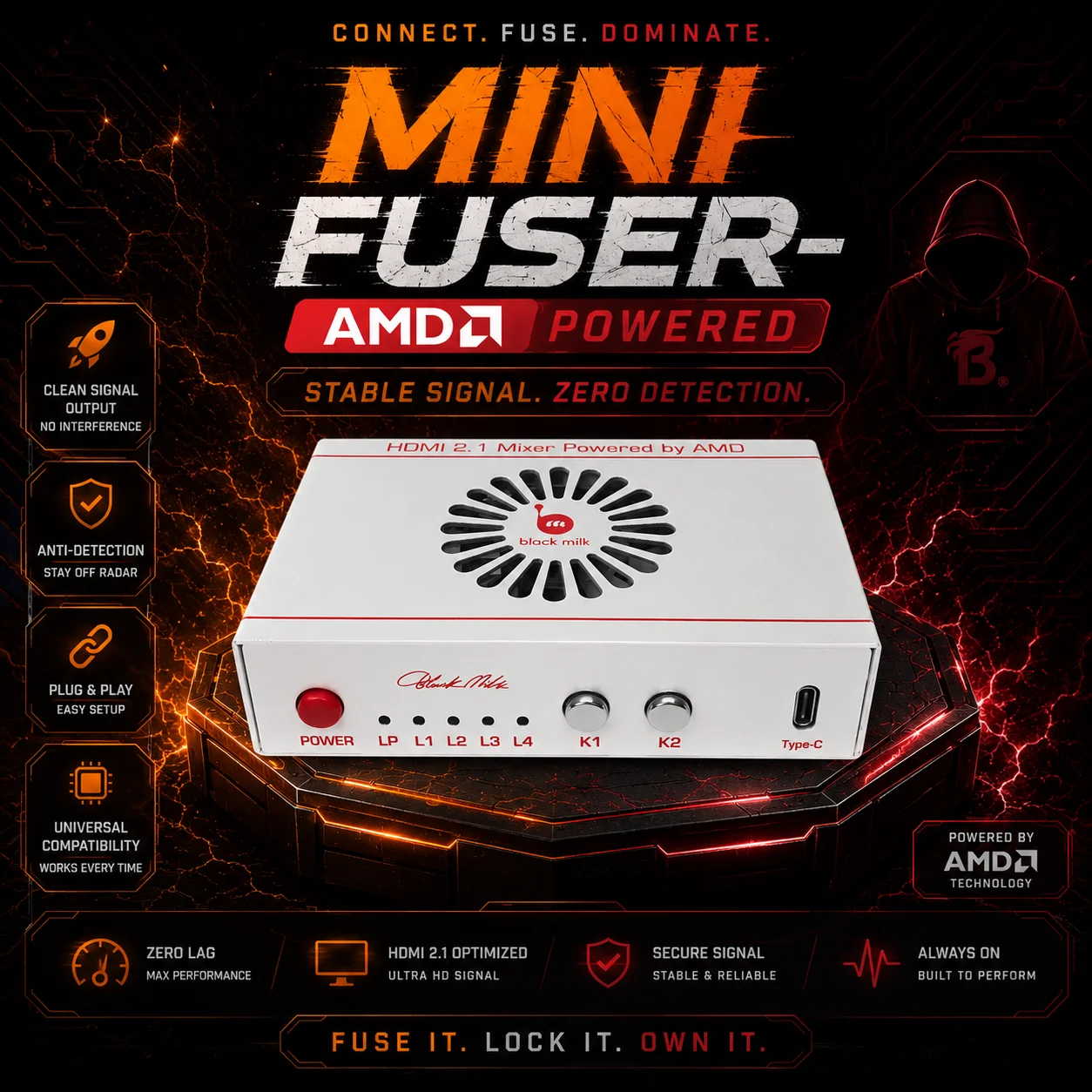
Mini Fuser- Unlock a new level of strategic awareness with the DMA Fuser. This advanced device offers discreet, real-time information overlays, enhancing your understanding of the game environment without compromising your presence. Learn to anticipate your opponents' moves and make informed decisions with unprecedented clarity. The DMA Fuser provides a tactical edge, allowing you to play smarter and stay ahead of the competition. Experience the advantage of elevated insight, undetected. Used for ESP options and gives you the boost you need.
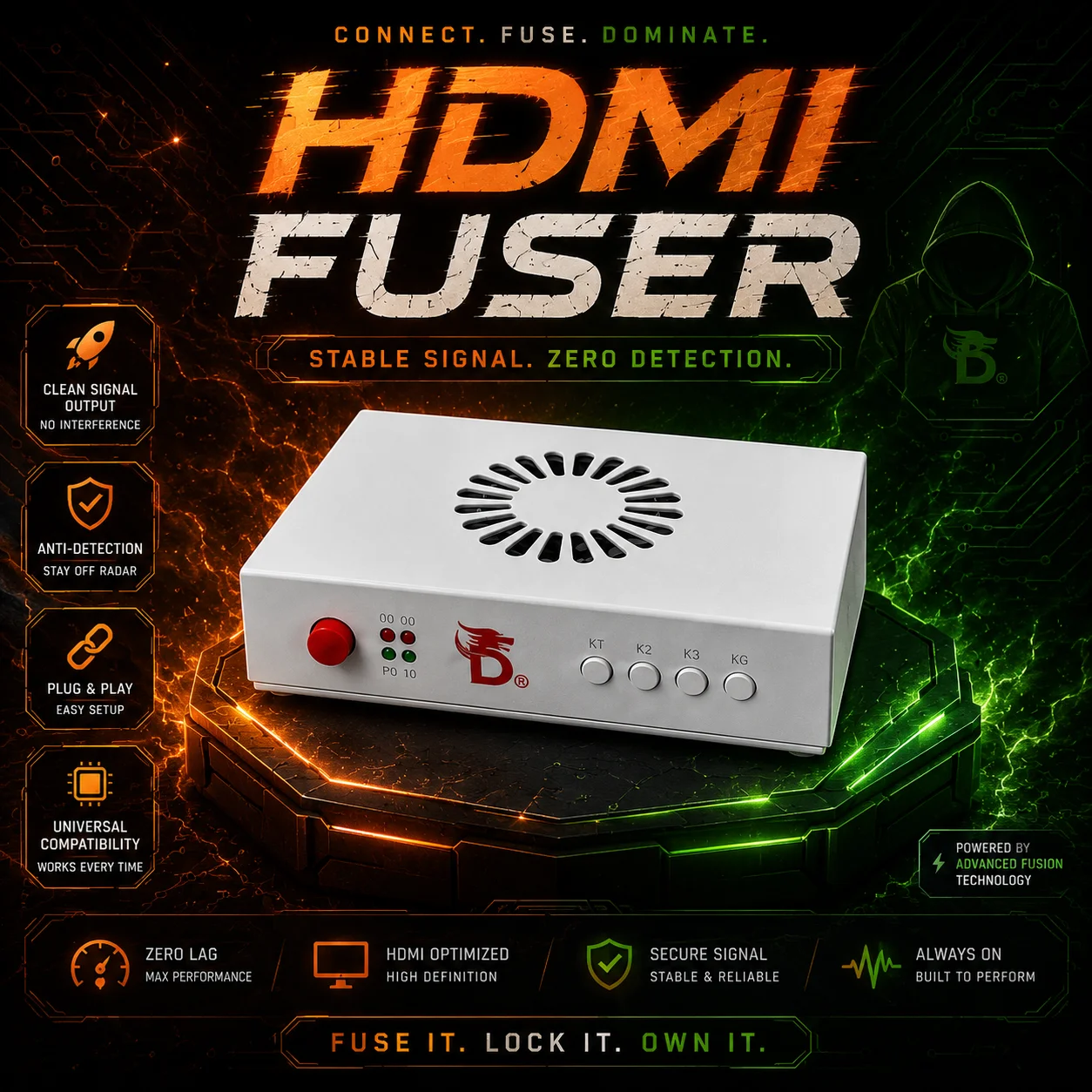
*note (with our two fusers listed you can receive either or in the bundle, both are just as good and will work with DMA)
Instructions for use:Step 1: Ensure both 1PC and 2PC are powered onStep 2: Connect the DC 12V power supplyIf you press the red Power button at this point without inserting any video cables, the LP red light will illuminate and the L3/L4 blue lights will flash. This is the normal indicator display.Step 3: Connect the three HDMI video portsHDMI serves as the output port; connect it to your primary display (1PC Monitor).HDMI2 is the secondary machine interface; connect it to your secondary machine/radar machine (2PC Graphics Card).HDMI1 is the primary interface. Connect it to your primary computer/game console (1PC Graphics Card).After connecting all three video interfaces,During normal operation, the LP red light remains on, and the L1, L2, L3, and L4 blue lights remain on.The screen should display normally and automatically adapt to your primary monitor's brand and model.
Why does the screen remain blank despite all cables being properly connected?Indicator Status:LP LED: Solid RedL3 LED: Flashing BlueL4 LED: Flashing BlueAnswer:Check if the main display's power supply is connected. Verify that the other end of the HDMI1 cable is plugged into the main display.(The issue originates from the main display.)Why is the screen not lighting up even though all cables are properly connected?Indicator Status:LP: Solid RedL1: Solid GreenL2: Solid GreenL3: FlashingL4: OffAnswer:Find a third computer and connect to the secondary machine (2PC) using remote software.Change the secondary machine's refresh rate to 60Hz, then gradually increase it.Supported refresh rates:1K: 60 → 120 → 144 → 240 Hz2K: 60 → 120 → 144 HzWhy won't my screen light up even though all cables are connected? (Secondary machine has AMD graphics)Condition:The secondary machine (2PC) has AMD integrated graphics or an AMD discrete GPU.Answer:Use a third computer to remotely connect to the secondary machine (2PC).Open the AMD graphics driver settings and change the Color Depth to 8-bit.
K1Short Press:Switch between Primary and Secondary unit displays.K2Short Press:Switch Fusion Status.Long Press:Enter Background Removal Enhancement Mode.
The Type-C port is used as the Fuser firmware programming interface, allowing customization of the built-in fusion sequence for enhanced security.This programming is performed by the manufacturer and is not accessible to users.